
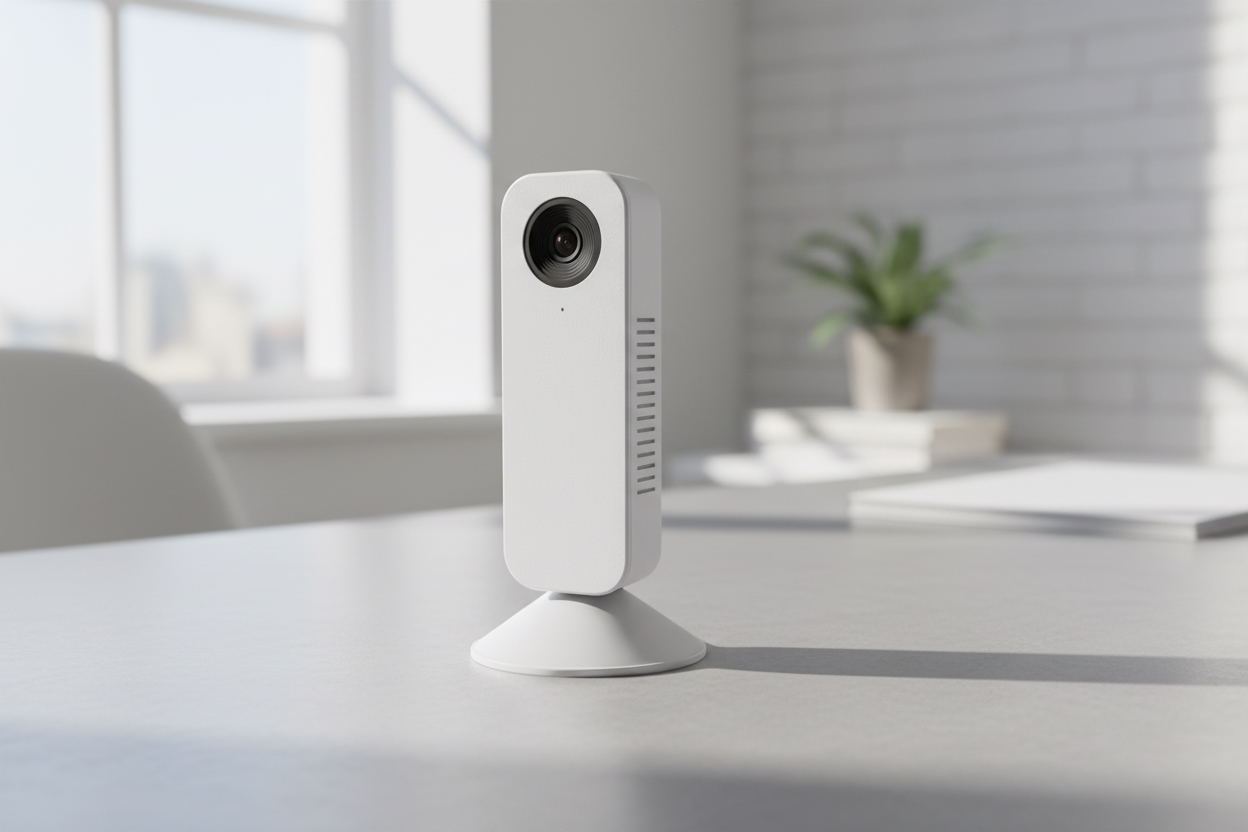
The easy way to connect to your home camera using your iOS Device
Watch real time live streming with your phone any where
Recordings are automatically saved in 1-minute segments, making it easy to jump directly to the moment you need.
Save any time segment to your device for backup, sharing, or offline viewing.
Your video stays yours. All connections are fully encrypted for secure access.
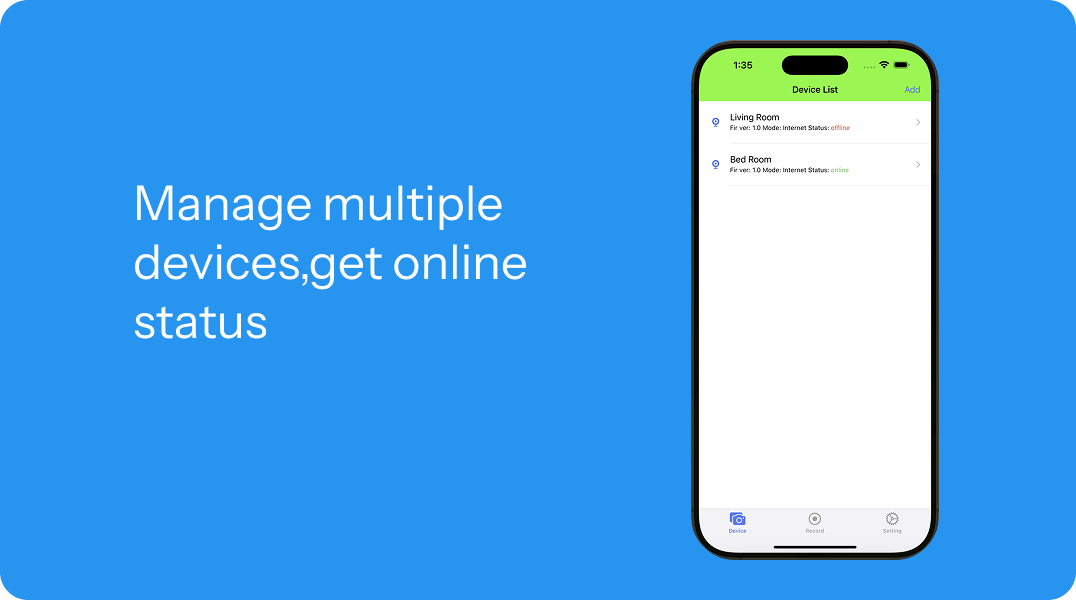


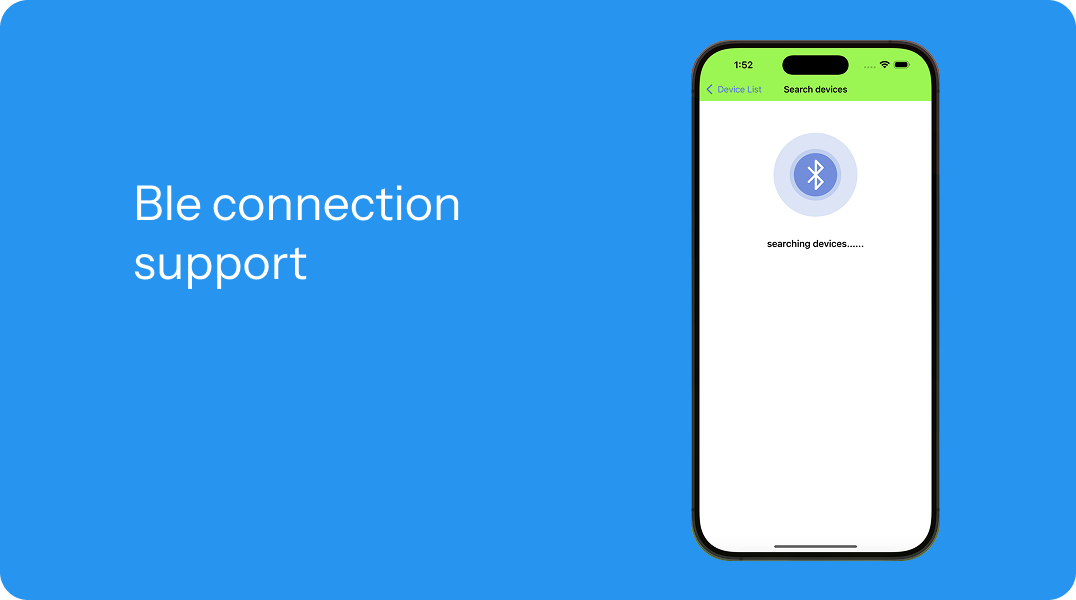
If your question is not answered below, or you require any assistance with using or setting up the opencam app, do not hesitate to contact us via zhongchenglin@minsv.com .
Please join the OpenCam Discord for feedback, suggestions and bug reporting:
Q: What does this app do?
A: This app allows you to view live video streams in real time using WebRTC, download recorded videos by minute, capture screenshots, and connect to devices via Bluetooth (BLE).
Q: How real-time is the live video?
A: The app uses WebRTC technology, providing ultra-low latency live streaming, typically much faster than traditional streaming solutions!
Q:Where are the videos stored?
A: Recorded videos are stored on the device side (for example, local storage or SD card). The app accesses and downloads recordings over the network when requested.
Q: What does “minute-level video download” mean?
A: Videos are split into 1-minute segments, making it easier to: Locate specific moments, Download files more reliably, Play back precise time ranges
Q: Can I take screenshots?
A: Yes. You can capture screenshots from both live streams.
Q: Does the app upload my videos to the cloud?
A: No.Videos are not uploaded by default. Streaming and downloads occur directly between the app and your device.